Set Your Summer HVAC Schedules and Setpoints
When summer heat settles over Indiana, your HVAC system becomes one of the biggest drivers of operating cost. The difference between a building that runs smoothly and one that is constantly too hot, too cold, or too expensive often comes down to one thing: clear, well planned commercial HVAC setpoint guidelines and schedules.
This guide is written for facility managers who want practical, non-technical direction. We will cover recommended temperature ranges, how to use deadbands, and how to set up summer schedules that balance comfort, energy savings, and occupant expectations.
Want help tuning your building for summer? Choice Mechanical Services provides commercial HVAC-R services across Indianapolis and Central Indiana and can review your current settings with you.
1. Why Summer Schedules and Setpoints Matter
Before you change any numbers, it helps to understand why schedules and setpoints deserve attention. In most commercial buildings, cooling is one of the largest energy loads from June through September. If systems run when spaces are empty or cool more than they need to, utility costs climb fast.
- Setpoints determine how hard equipment has to work to hold a temperature
- Schedules control when systems run and when they can relax
- Deadbands reduce rapid cycling that wears out equipment and wastes energy
- Clear guidelines help staff and tenants know what to expect
Thoughtful schedules and setpoints give you a simple way to reduce runtime, extend equipment life, and support consistent comfort during Indiana’s hottest weeks.
Looking for broader strategies to lower summer bills? Our article on summer energy saving strategies for commercial HVAC systems explains how controls, maintenance, and equipment choices work together.
2. Recommended Summer Setpoints For Common Spaces
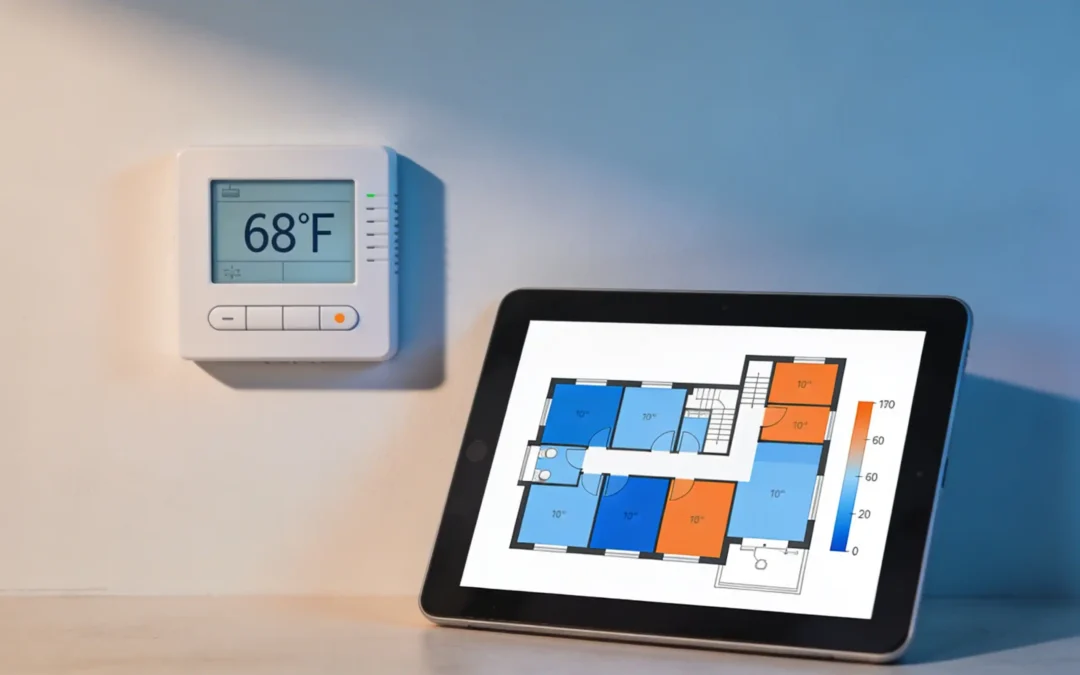
Every building is different, but most commercial spaces fall into a few categories. These ranges give you a starting point for practical commercial HVAC setpoint guidelines that keep people comfortable without overcooling.
- Open office areas: 72 to 75 °F during normal occupied hours
- Private offices and conference rooms: 72 to 74 °F during meetings and peak use
- Retail spaces and lobbies: 70 to 74 °F depending on customer traffic and door usage
- Light industrial and warehouse offices: 72 to 76 °F with some flexibility based on dress code and work type
- IT and server rooms: Follow equipment manufacturer recommendations, often 68 to 75 °F with tighter humidity control
In many Indiana buildings, raising cooling setpoints by just one or two degrees can reduce energy use without noticeable discomfort, especially when air movement and humidity control are in good shape.
Not sure what range fits your mix of offices, open areas, and specialty spaces? Our HVAC-R team can walk through your building and help you align setpoints with how each area is actually used.
3. Understanding Deadbands And Why They Matter
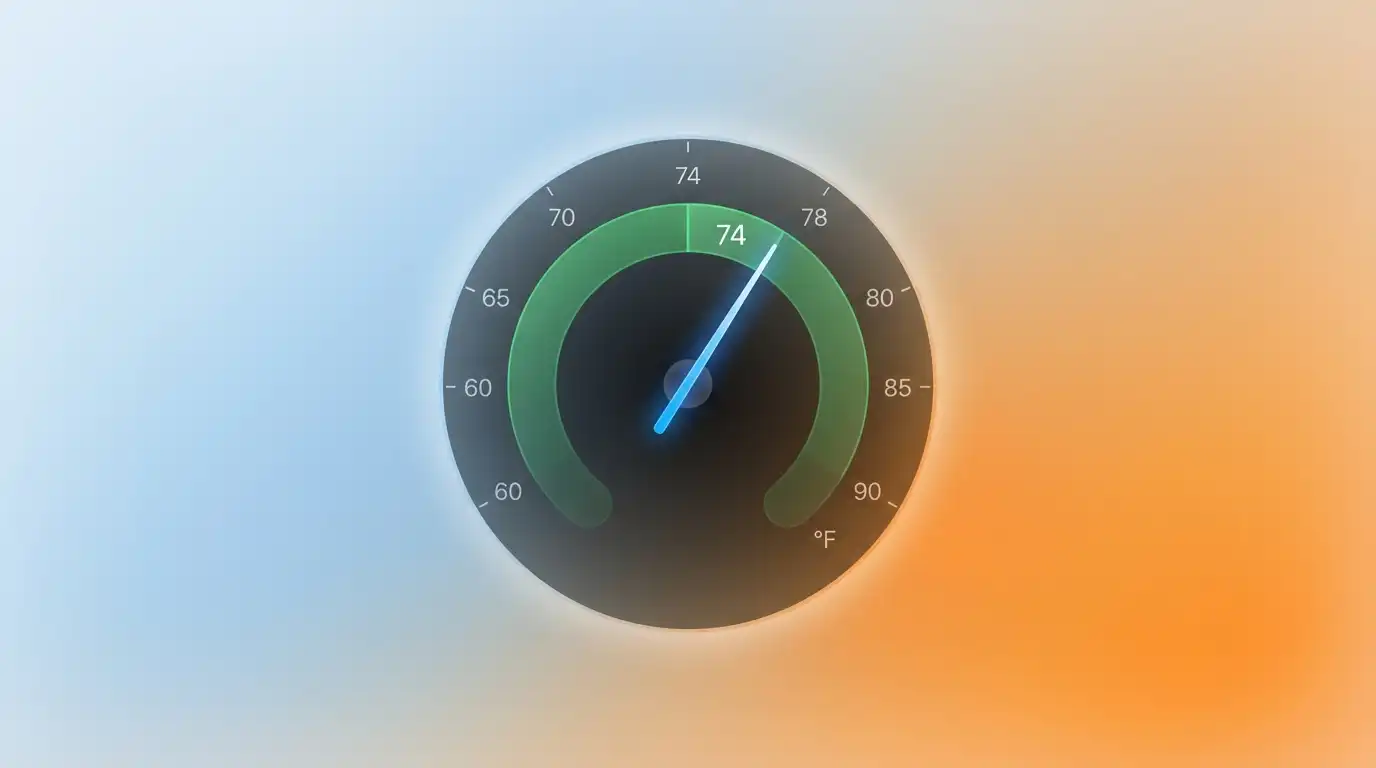
Deadband is the small window around your setpoint where the system does not immediately turn on or off. For example, if the cooling setpoint is 74 °F with a 2 degree deadband, the system might let the space warm to 75 °F before starting and cool it down to 73 °F before shutting off.
- A reasonable deadband reduces short cycling and unnecessary starts
- Too narrow and equipment turns on and off constantly, wasting energy
- Too wide and occupants notice temperature swings and complain
- Many commercial spaces do well with a 2 to 4 degree deadband in cooling mode
When you build commercial HVAC setpoint guidelines for your facility, include both the target temperature and the acceptable range around it so everyone understands how the system will behave.
If you are seeing rapid cycling or uneven temperatures, it may be a sign that deadbands and control logic need work. Our article on reducing utility costs with a smart HVAC control strategy explains how better logic improves both comfort and efficiency.
4. Building Effective Summer Schedules
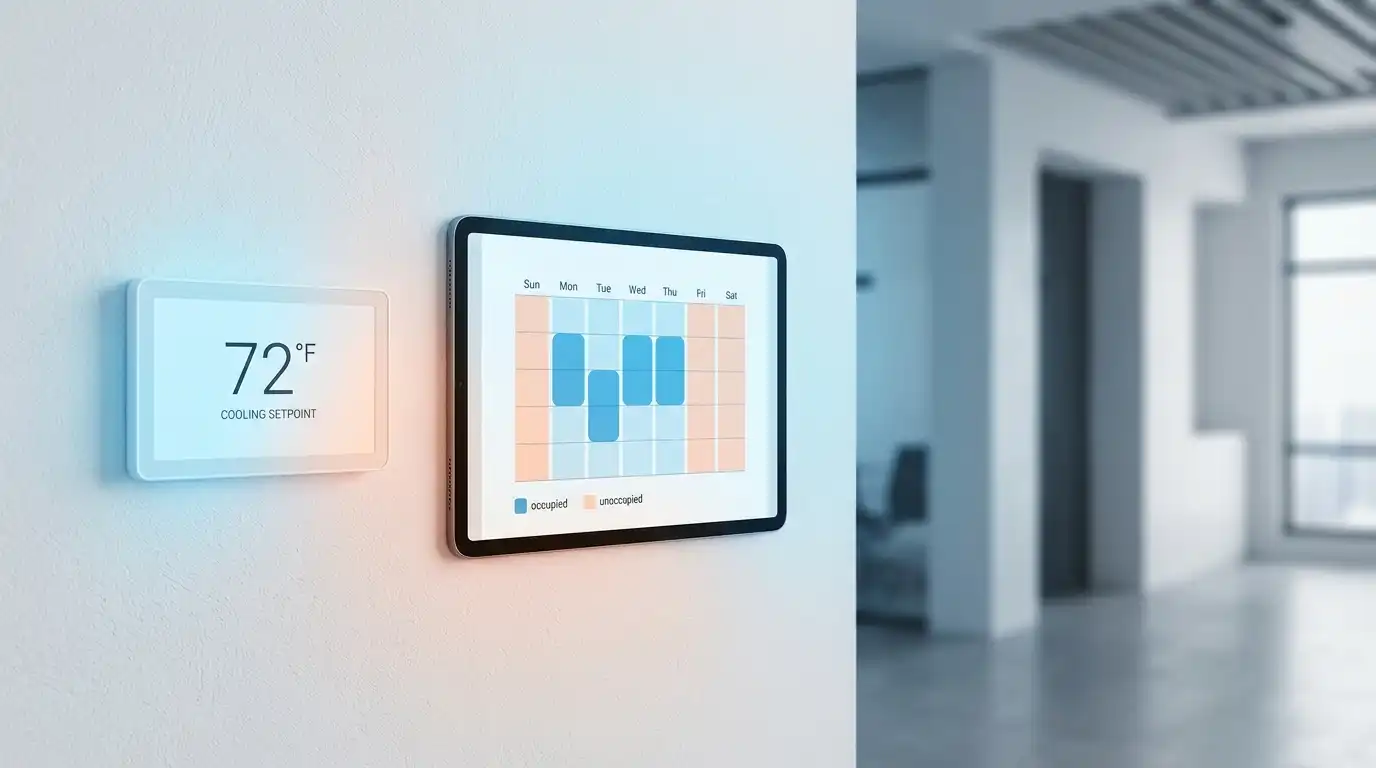
Schedules tell your system when to wake up, when to rest, and how to handle evenings and weekends. Good schedules match equipment operation to real occupancy instead of fixed assumptions.
- Match start times to warmup needs: Bring systems on early enough that spaces reach comfort by the start of the workday, not an hour later
- Use gradual ramp up: Stagger start times for large systems so they do not all start at once and create a spike in demand
- Reduce runtime after hours: Use higher cooling setpoints or setback schedules when spaces are unoccupied
- Adjust weekends and holidays: Keep only truly critical areas on full cooling when the rest of the building is empty
For many Indiana facilities, tightening schedules so systems run only when needed is one of the fastest ways to trim summer energy use.
Have complex hours or multiple shifts? Choice Mechanical Services can help you translate shift patterns and tenant schedules into a practical summer schedule that your automation system can support.
5. Coordinating Setpoints Across Zones And Tenants
In multi-tenant buildings or large facilities with many zones, one of the biggest challenges is avoiding “thermostat wars.” If one area is set much colder than others, systems can fight each other and waste energy.
- Group similar spaces together where possible, such as open offices or private suites
- Set standard summer ranges and communicate them in advance to tenants or department leaders
- Avoid situations where one zone cools aggressively while a neighboring zone tries to heat
- Review problem areas that consistently drive complaints and adjust diffusers or airflow instead of just lowering setpoints
The goal is to create a consistent experience across the building with small adjustments for space type, not big jumps between zones that stress your equipment.
If you have a few zones that always feel wrong, it may be an airflow or balancing issue rather than a setpoint problem. A visit from our HVAC-R service team can identify those trouble spots and recommend practical fixes.
6. Using Controls To Enforce Guidelines And Avoid Overrides
Even with clear guidelines, it is easy for well meaning staff or tenants to override thermostats whenever they feel slightly warm or cool. Over time, equipment ends up running harder than necessary and everyone forgets what the original plan was.
- Set reasonable limits on how far local thermostats can adjust setpoints
- Use locking covers or password protection for critical areas
- Trend zone temperatures and setpoints so you can see where overrides occur
- Schedule periodic reviews of your building automation system to keep logic aligned with your guidelines
Controls should support your summer strategy, not work against it. Simple guardrails on thermostats and schedules keep systems from drifting back to wasteful settings.
Want controls to do more of the heavy lifting for you? Our detailed article on smart commercial HVAC control strategies explains how scheduling, sensors, and trend data can be used to maintain comfort while keeping energy costs in check.
7. Communicating Changes To Staff And Tenants
Even the best commercial HVAC setpoint guidelines can fail if people do not understand why changes are being made. A little bit of communication up front goes a long way toward reducing complaints when setpoints or schedules shift.
- Explain that the goal is consistent comfort and lower operating costs, not making people uncomfortable
- Share target temperature ranges in clear language, not just technical terms
- Give people an easy way to report hot or cold spots so you can address real issues
- Coordinate changes with key stakeholders like HR, property managers, or tenant reps
When occupants know what to expect and why, they are more likely to support changes that save energy and help keep the facility running smoothly during peak summer conditions.
Need a technical partner who can join you in those conversations? Choice Mechanical Services can help explain setpoint and schedule changes in plain language that makes sense to non-technical teams and tenants.
Frequently Asked Questions
What is a good summer temperature setpoint for most offices?
Many office environments are comfortable between 72 and 75 °F during occupied hours. The exact number depends on dress code, activity level, and humidity, but this range provides a solid starting point for most buildings.
Will raising setpoints always save energy?
Raising setpoints usually reduces energy use, but only if airflow, controls, and schedules are in good shape. If equipment is short cycling or zones are fighting each other, simply changing the number may not deliver the savings you expect.
How wide should my cooling deadband be in summer?
A deadband of 2 to 4 degrees works for many commercial spaces. Narrower deadbands can lead to frequent cycling and higher wear, while much wider bands may create noticeable swings that occupants do not like.
How often should I review schedules and setpoints?
At minimum, review them before each cooling season and after any major change in occupancy or usage. Many facility managers also schedule a mid summer review to verify that settings are working as expected during sustained hot weather.
Turn Setpoints And Schedules Into Tools, Not Headaches
Summer does not have to mean out of control utility bills or endless comfort complaints. With clear commercial HVAC setpoint guidelines, thoughtful schedules, and simple control adjustments, you can keep your building comfortable and your equipment running efficiently through Indiana’s hottest months.
Choice Mechanical Services works with commercial facilities across Indianapolis and Central Indiana to design and implement summer schedules and setpoints that match real world conditions, not just rule of thumb values.
Ready to tune your building for the next heat wave? Contact us today to review your current settings and build a summer plan that fits your facility, your occupants, and your budget.